Spreadsheet flexibility.
Workflow control.
Assign spreadsheet rows to workflow steps.

Map it
- Build workflows around how your team actually works.
- Assign each step to a person or an AI agent.
Run it
- Move each row from step to step as work gets done.
- Know which rows are waiting, where they are, and what happens next.
Improve it
- See the path each row took, how much time it spent in active work and waiting, and what result it reached.
- Use what you learn to improve your workflow.
So what does SpreadWork actually do?
01 / 05
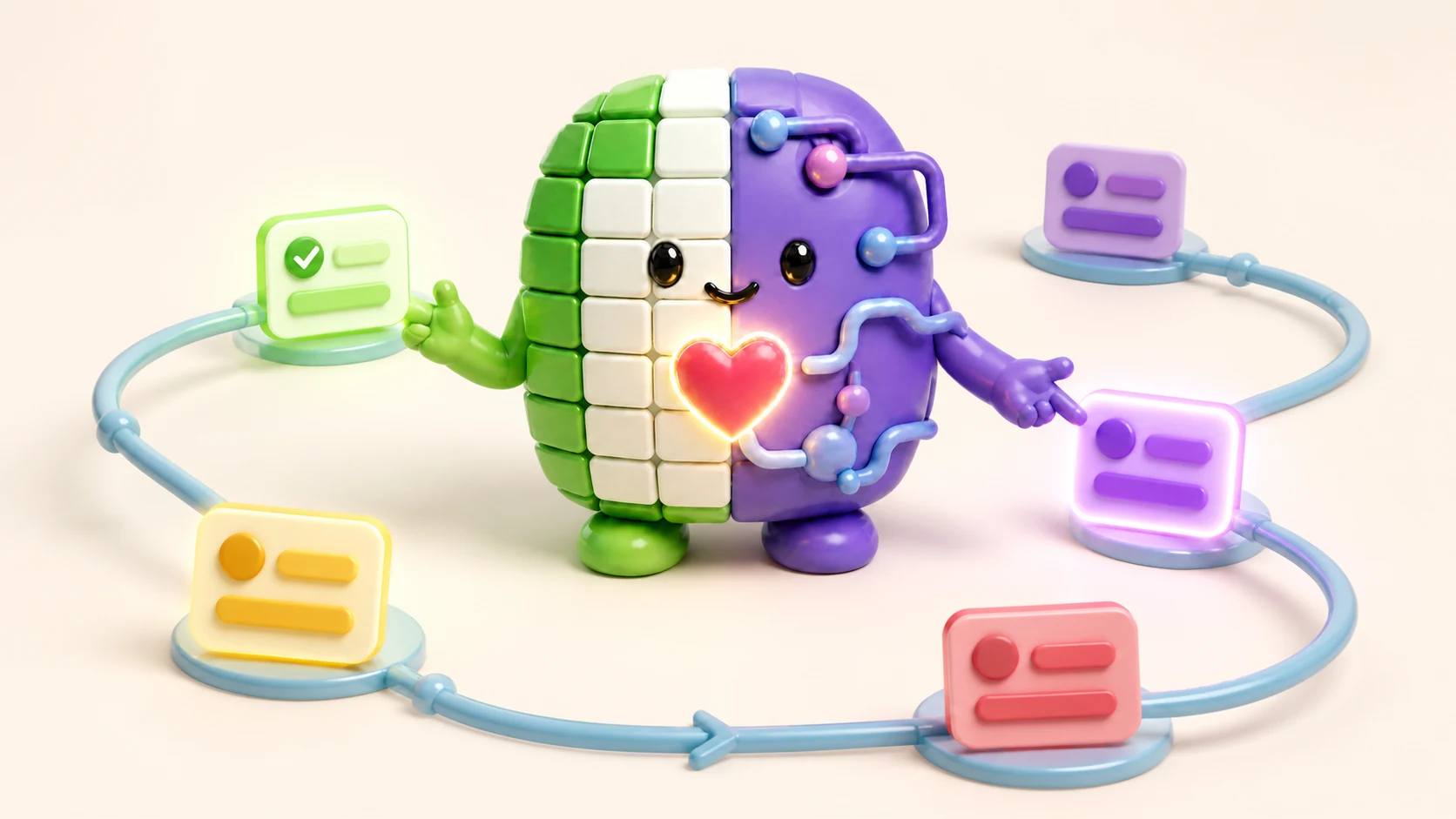
SpreadWork keeps track of where every piece of work is.
See each work item’s current step, owner, and next action in one place.
So that you can stop chasing status updates and focus on what needs attention.

02 / 05
SpreadWork puts the right work in front of your team.
It serves each person or AI agent the next ready row, together with the workflow step, instructions, and context needed to complete it.
So your team spends less time choosing tasks, keeps less work half-finished, and gets more work across the finish line.

03 / 05
SpreadWork brings waiting work back at the right time.
When a row is waiting for a reply, a date, or someone else, put it to sleep. It leaves the active queue and returns automatically when it is ready to move—with its notes, history, and next action intact.
So your team sees only work it can act on now, without checking reminders or forgetting follow-ups.
04 / 05
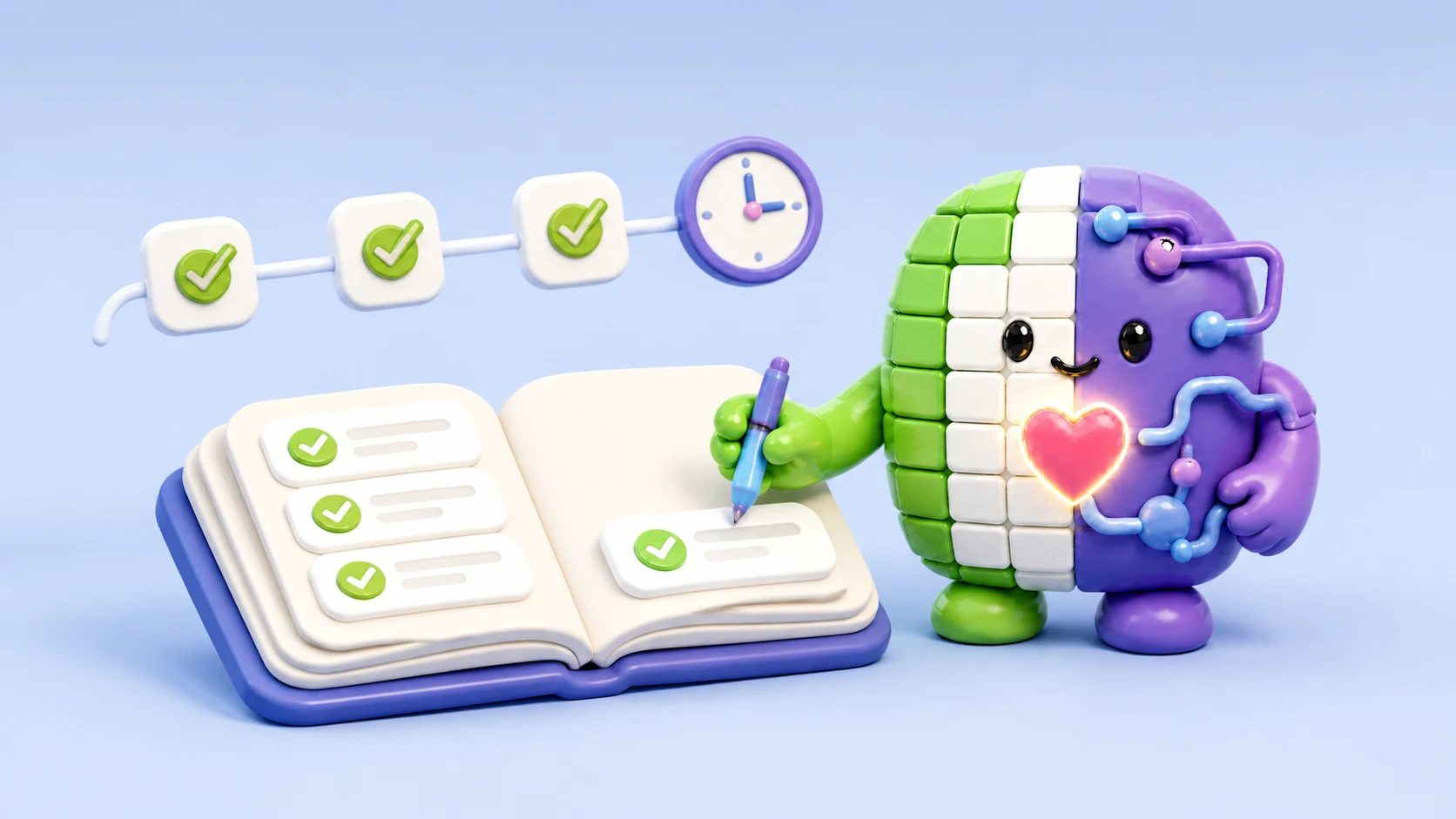
SpreadWork creates a record of how the work happened.
Outcomes, notes, files, timestamps, changes, handoffs, and AI usage stay attached to each work item—without you having to type it all out.
So that you can answer questions and prove what happened without rebuilding the story.

05 / 05
SpreadWork turns how work happened into process analytics.
See where work slows down, how long it waits, how long it takes, which outcomes occur, who handles it, and what AI costs.
So that you can improve the process using evidence instead of guesswork.
Before and after

Chase updates across chats, meetings, and spreadsheets.

See each item’s owner, current step, and next action.
Plans that grow with the work
Every plan connects spreadsheet rows to workflows for people and AI. Start on Free without a credit card, then choose the capacity your work needs.
On narrow screens, scroll sideways to compare plans.
| Plan | Free | Team | Business | Enterprise |
|---|---|---|---|---|
| Monthly | $0 | $49 | $149 | Custom |
| Users | 1 | Up to 5 | Up to 20 | Custom |
| Work items / month | 1,000 | 10,000 | 100,000 | Custom |
| Workflows | Unlimited | Unlimited | Unlimited | Unlimited |
| Human work | Unlimited | Unlimited | Unlimited | Unlimited |
| AI usage | 5,000 units, one time | 49,000 units/month | 149,000 units/month | Custom |
| OpenAI models | ✓ | ✓ | ✓ | ✓ |
| Anthropic models | ✓ | ✓ | ✓ | ✓ |
| Berget models | ✓ | ✓ | ✓ | ✓ |
| Get started | Sign up free | Contact us |
Subscriptions are billed monthly, excluding applicable taxes. Plans and usage limits are starting values and may change. Contact us about Enterprise.
What can I do on Free?
Build unlimited workflows for one user, with 1,000 work items each month and 5,000 AI usage units once. Your account is never upgraded or charged automatically.
Do I need AI for every step?
No. Assign steps to people, AI agents, or external automations. People can keep completing To Do work manually without AI usage.
How do AI usage units work?
AI steps use units according to the model and the work performed. Free includes a one-time allowance, while paid plans include monthly allowances. You can buy additional AI usage when you need it.
Want to see the process first?
Try SpreadWork free with your real work.
Create a free accountYour account is never upgraded or charged automatically.